Why white noise helps you sleep in a noisy room
White noise contains every audible frequency at roughly the same level. Played at a moderate volume it raises the floor of what your ears hear, so sudden sounds — a door, a voice in the hallway, a car horn — stand out less against the background. That is masking, and it is a physical effect, not a medical one: the sound is still there, it is just less of a spike.
For people who sleep during the day this matters more than at night. Daytime is louder, neighbours are awake, and the noises are unpredictable. A steady, even wash of white noise is the simplest way to make a 9 a.m. bedroom sound more like a 2 a.m. one.
What makes ShiftSleep different from a white noise track
ShiftSleep AI uses a procedural audio engine. Instead of replaying an MP3, the app calculates the sound in real time. That has three practical consequences: there is no loop point to notice, the download is tiny because there is no library of audio files, and it works with no signal at all.
You are also not limited to one color. White noise is the brightest option; brown noise is the deep, low rumble; pink noise sits in between. Each is available as its own generator, and the mixer lets you layer them with rain, fan, AC or ocean at independent levels.
- White, brown, pink and green noise generated live — no looping files
- Rain, fan, AC, ocean, wind, thunder, fireplace and more as extra layers
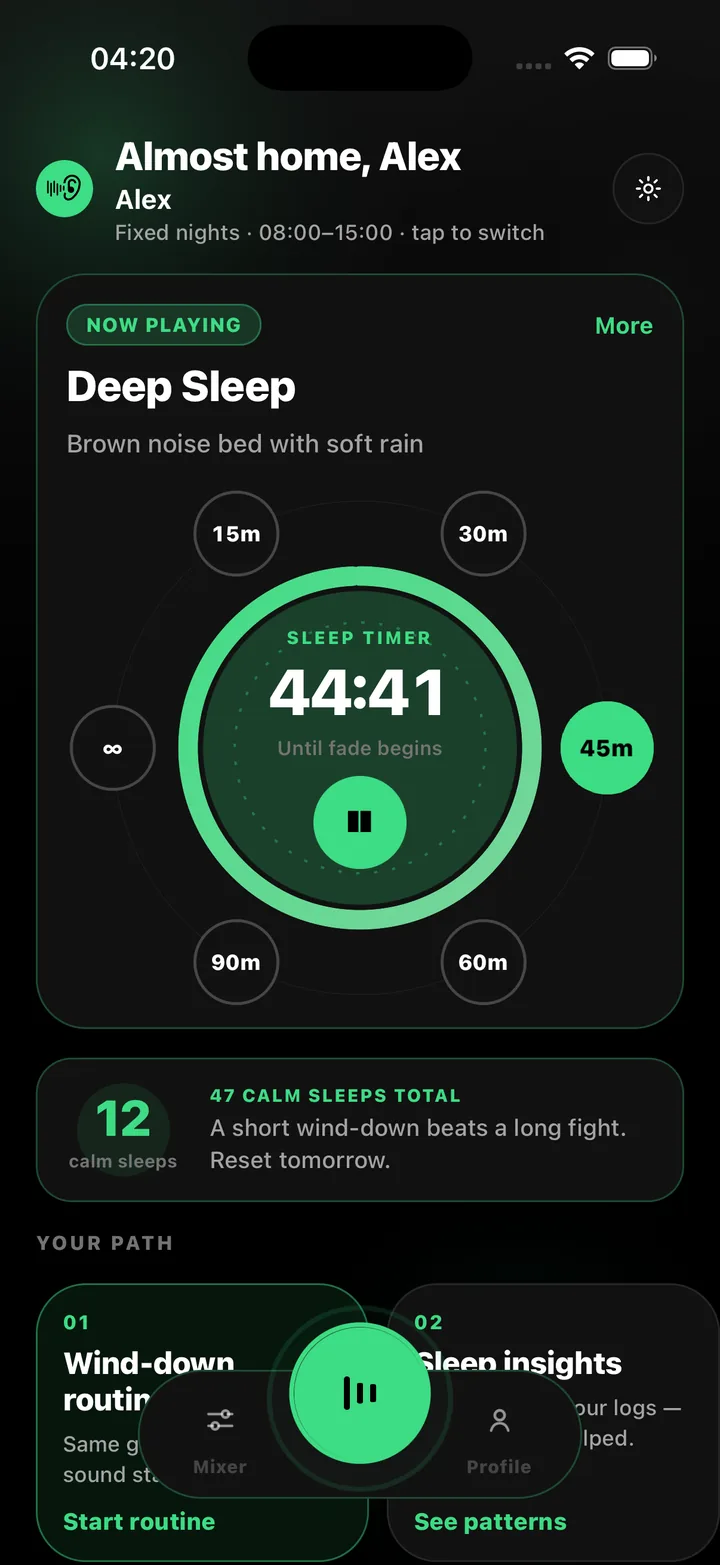
- Sleep timer: 15, 30, 45, 60 or 90 minutes, or run all day, with a soft fade-out
- Every play soft-starts over two seconds — no sudden onset
- Works fully offline; only the AI helper needs a connection
- No ads, ever
Setting up white noise for day sleep
Start with the Deep Sleep preset or add White Noise as a single layer in the mixer. Set the room level so the noise is clearly audible but not loud — you should still be able to hear someone speaking directly to you. If voices still come through a wall, try switching the layer to Brown Noise or adding it underneath: the low end covers footsteps and traffic that white noise leaves exposed.
Then choose a timer. If you want sound only while falling asleep, 45 or 60 minutes with the fade works well. If your street is noisy all morning, run it for the whole sleep window and let the shift profile alarm handle the wake-up.
Built for night-shift workers, useful for anyone
ShiftSleep AI was designed around day sleep after night shifts: shift profiles for fixed nights, rotating, early and on-call schedules, and one-tap logging of day sleeps and recovery naps. But the white noise itself is just a very good white noise generator. If you share a thin wall, live near a road or sleep next to a snorer, the same tools apply.
ShiftSleep AI supports rest and routine with sound and simple logging. It is not medical advice and does not diagnose or treat sleep disorders. If your sleep problems persist, talk to a clinician.
Frequently asked questions
Is the white noise free?
Yes. White noise, pink noise and brown noise are part of the free tier, along with a two-layer mixer, the sleep timer and one shift profile. Premium adds the full sound catalog, four mixer layers and the AI helper.
Does it play with the screen off?
Yes. Playback continues in the background and with the phone locked, and the timer keeps counting down. The app soft-starts and fades so nothing jolts you.
Can I play white noise all night or all day?
Yes. The timer has an all-day option. Because the sound is generated rather than streamed, there is no buffering and no data use.
Is white noise safe to sleep with?
Keep the volume moderate and the phone at a distance rather than under a pillow. The app ramps in gently and caps peak output, but volume and placement are up to you. This is general guidance, not medical advice.